With nettwark, we are evolving our concept for managing and remote controlling broadcast devices. As the modern, web-based successor to our discontinued SIRC, nettwark offers an intuitive and efficient way to handle device management. With its modern architecture, ease of use, and seamless integration – even over satellite links – nettwark simplifies device management, reduces operational effort, and ensures reliable control across any network.
Whether you’re configuring multiple devices, updating firmware, executing bulk operations, or automating tasks, nettwark gives you the control and flexibility you need.
Using nettwark is as easy as it gets:

1. Easily Add Devices to nettwark
nettwark can centrally manage all your 4audio devices including IP, MPX, RF, DAB and SAT products. Adding a new device is straightforward: simply provide a name, type, serial number, and IP address, and it will be available for remote control.

2. Define Device Groups
To address multiple devices simultaneously, you can create groups. Devices can be freely assigned to groups based on their IP, location, or purpose. Once assigned, the group configuration is automatically applied to all devices—no manual setup required. This feature ensures easy bulk operations and targeted device management.

3. Store and Manage Files
nettwark allows you to store files such as firmware updates, audio files, or configuration data to use for actions.

4. Schedule Jobs
You can define and execute jobs for your devices. Each job consists of the target device or group, the action to be executed (e.g., switch relay, upload file, activate settings, send raw command), and the execution cycle that defines the timing and frequency of the action.
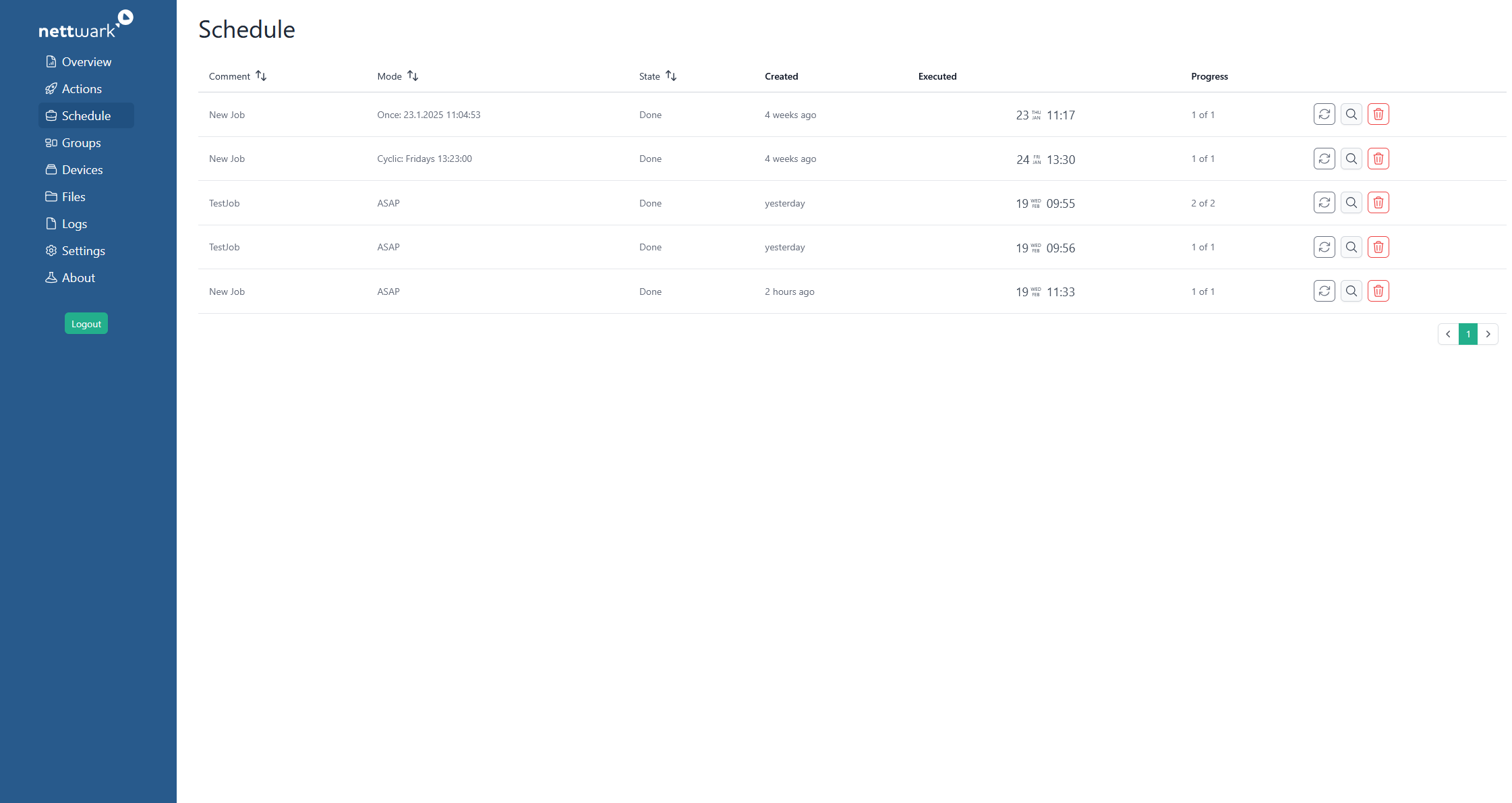
5. Manage Scheduled Jobs
View all scheduled jobs at a glance and re-schedule or delete them.
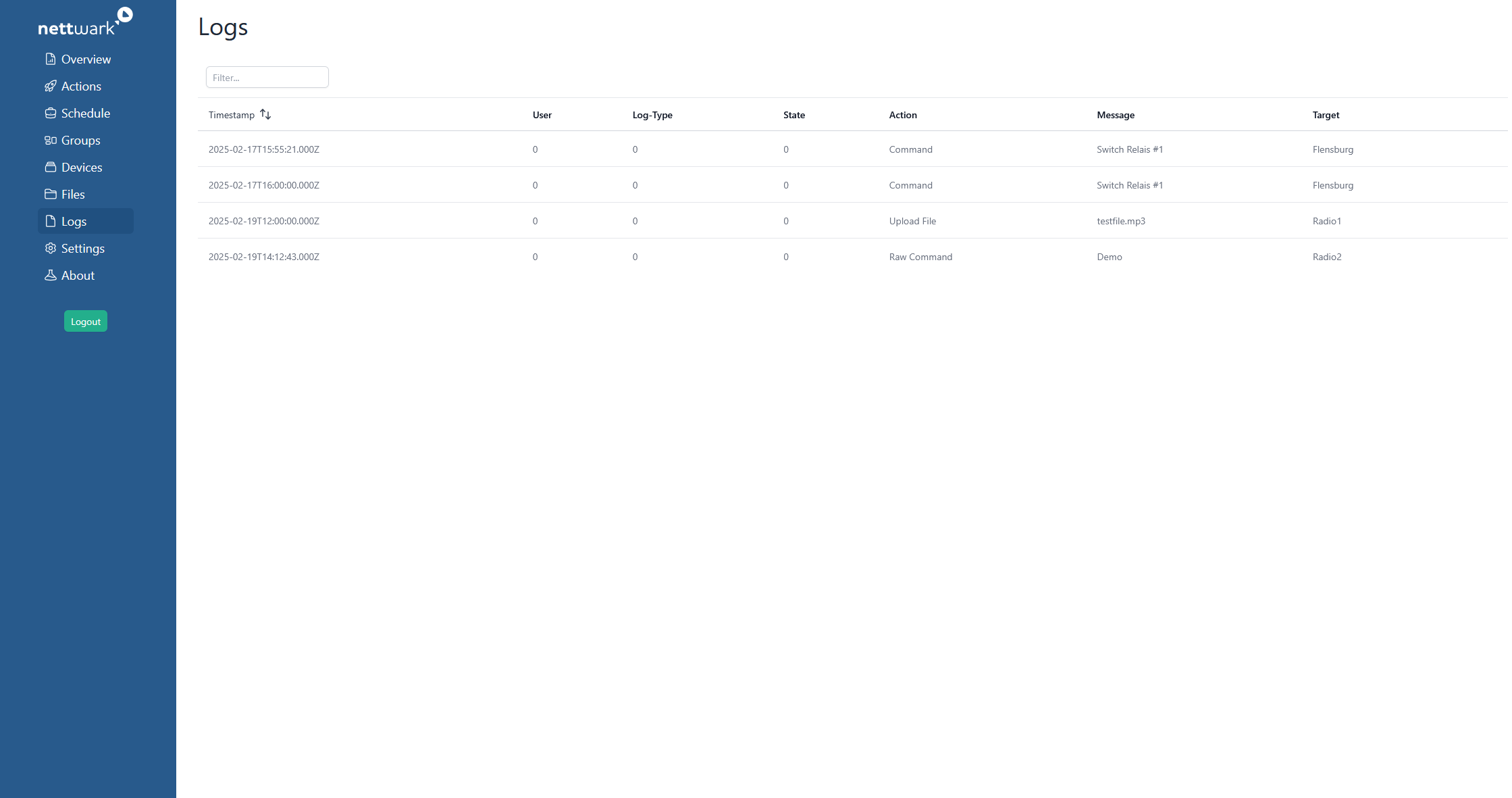
6. Full Transparency with Logs
Thanks to the comprehensive log, you always have a complete overview of performed actions and system events. Log entries provide timestamps and details on changes, making it easy to track and understand system activity.

7. Adjust Stream Settings
Gain full control over the outgoing data streams by adjusting settings such as bitrate and PIDs.
What makes nettwark so powerful?
- Modern Technology Stack: nettwark is built on a modern Linux-based architecture and optimized IP transport mechanisms. This ensures seamless integration with modern IT infrastructures, Linux environments, and containerized deployments.
- Web-Based: No local installation required – simply access via browser.
- User-Friendly Interface: The intuitive UI makes device management easier than ever.
- Easy Integration: nettwark can control any 2wcom 4audio device. It can also be run alongside the SIRC for smooth transition.
Learn how to transition from SIRC to nettwark: