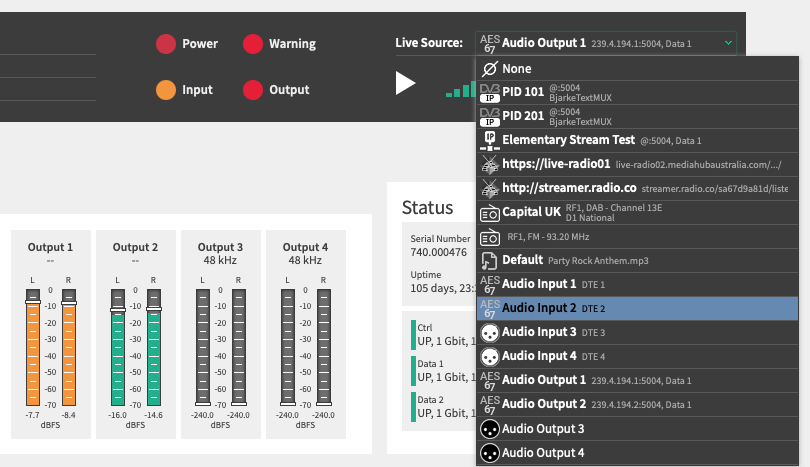
Previously available as an optional add on, Live Listening is now included as a standard feature across all devices. This provides immediate access to audio monitoring capabilities right out of the box without additional licensing or configuration effort.
With the Live Listening option, audio monitoring becomes simple and accessible from anywhere. The feature allows users to listen to any available audio signal directly via a web interface or through any standard web stream client without requiring additional software.
Live Listening enables real time monitoring of audio feeds for quick checks, troubleshooting, and quality control. This makes it a practical tool for broadcast and transmission environments.
By integrating Live Listening as a default feature, we aim to simplify daily operations and give users greater visibility and confidence in their audio signals at all times.