Troubleshooting is an essential part of keeping broadcast operations running smoothly. While our support team is always available to help when needed, many issues can often be identified much faster using the built in diagnostic tools available on 2wcom devices.
These tools provide valuable information about device status, system activity, and potential issues, helping both users and our support team find solutions more efficiently.
Diagnostic Report
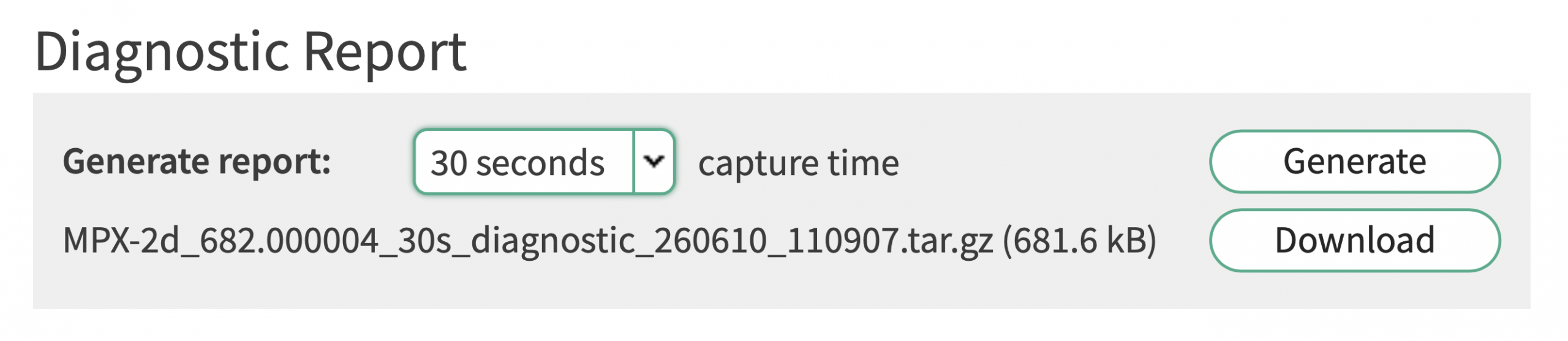
The Diagnostic Report is typically the first tool to use when investigating an issue.
Users can generate a report covering a selected time span ranging from 30 seconds up to 5 minutes. The generated file contains a variety of useful information, including firmware details, IP traffic data, event logs, message logs, and snapshots of the device display at the time the report is created.
Once generated, the report can be sent directly to 2wcom Customer Support for further analysis and assistance.
Diagnostic Report
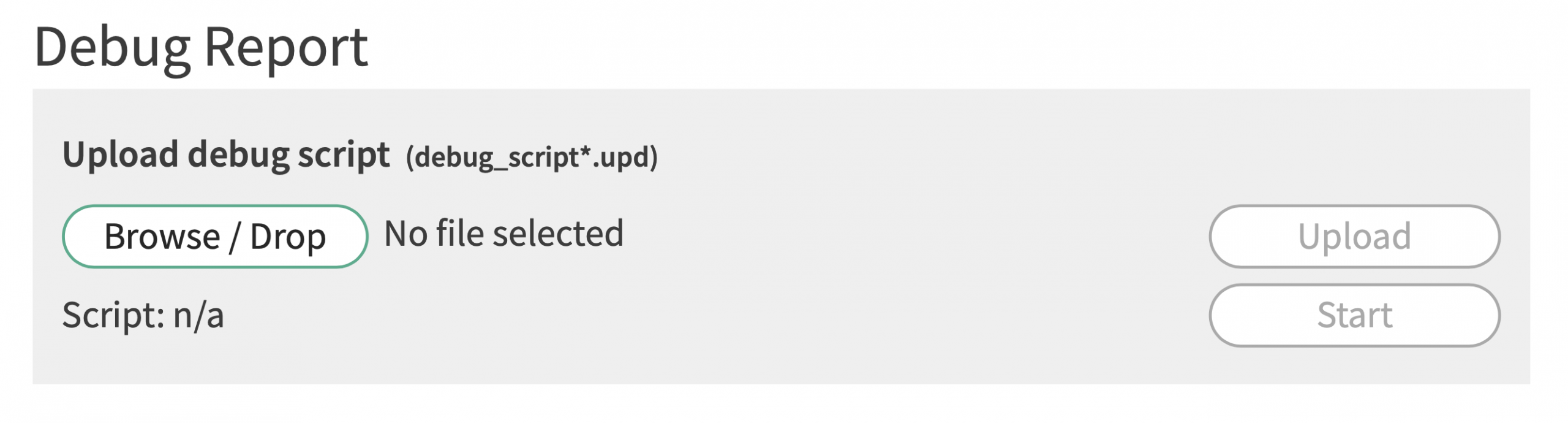
If the Diagnostic Report does not provide enough information to identify the cause of an issue, a Debug Report can offer a more detailed investigation.
For this process, 2wcom provides a custom debug script tailored to the specific problem being analyzed. The script can be uploaded to the device and generates an extended report containing additional diagnostic information.
The resulting file can then be returned to our support team, allowing for a more in depth evaluation and helping us resolve issues as quickly as possible.
Crash Report
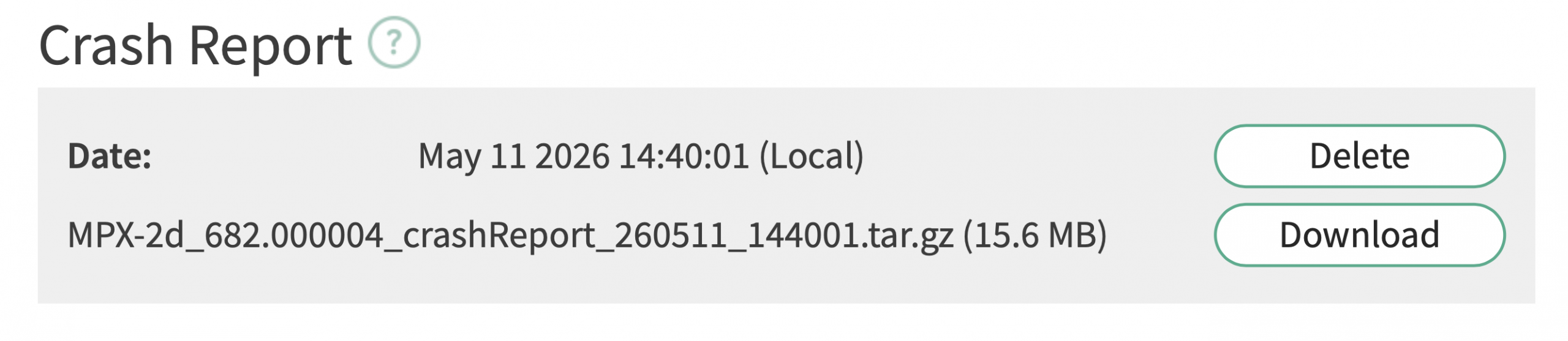
The Crash Report is designed specifically for situations where a device unexpectedly crashes.
Following a crash, the device automatically generates a report containing relevant diagnostic information about the event. This report can either be downloaded for later use or sent directly to 2wcom Customer Support for immediate analysis.
By automatically collecting information at the time of the crash, the report helps speed up troubleshooting and provides valuable insights into the cause of the issue.